Announcement September 15, 2026
New Quarterly Report Design!
The quarterly board report has a brand-new design. Here's what's changed, plus a few tips for getting the most out of it.
Read more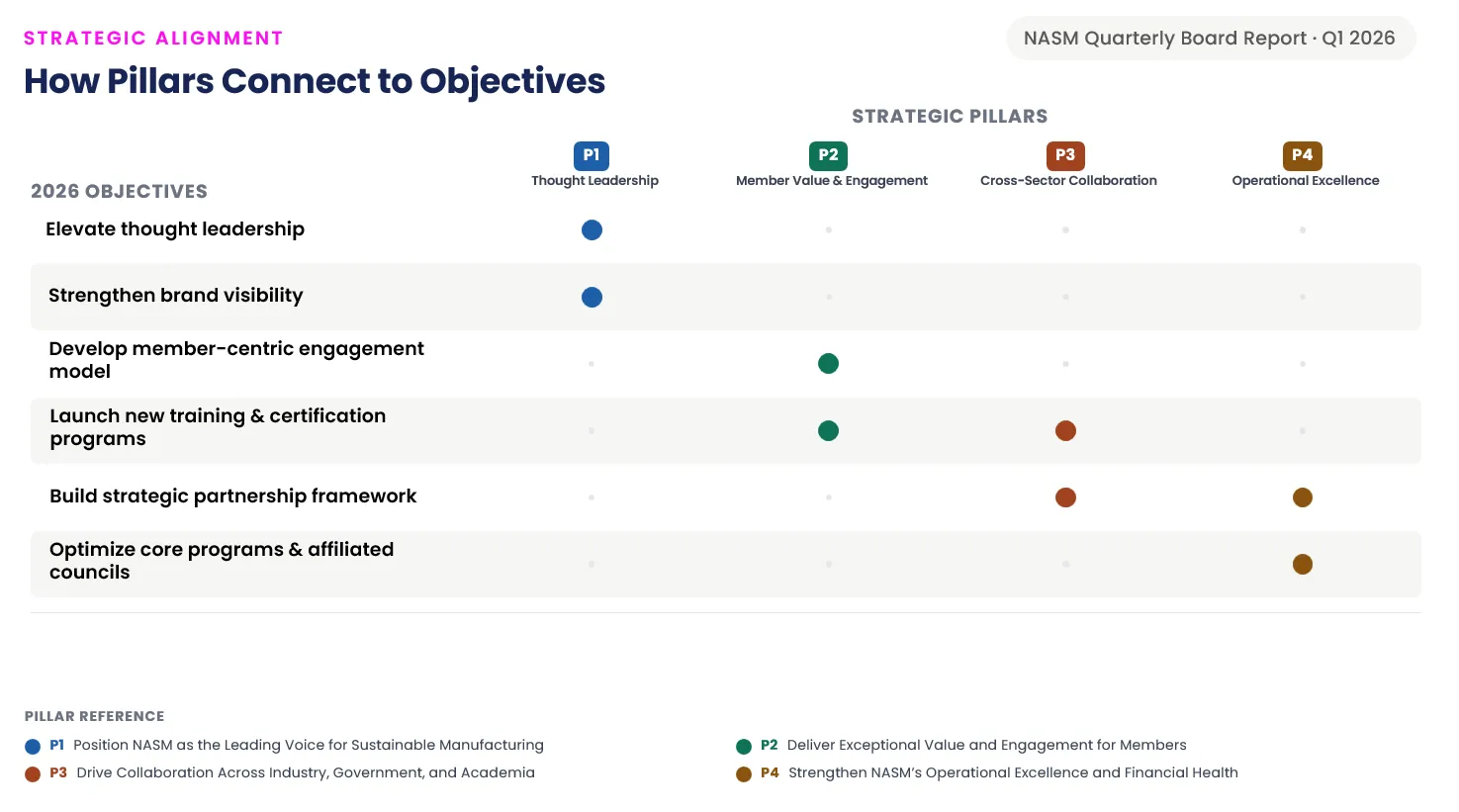

The quarterly board report has a brand-new design. Here's what's changed, plus a few tips for getting the most out of it.
Read more Admins can now set up Custom Relationships to organize objectives into any category, like committees or departments, showing how your strategic goals connect to other structures at your organization.
Read more
Admins can now set goal update cadences to a specific day of the week or a specific day of the month, ensuring reminders align with each team's unique workflow rather than a one-size-fits-all schedule.
Read more
We've introduced Tours, a new in-app learning feature that shows you how to use the StratSimple software. You can now access guided walkthroughs right from the page you're working on.
Read more
By typing @ followed by a person's name, users can select one or multiple colleagues to notify. Tagged individuals receive an email with a direct link to the update and an in-app notification in their notification bar. This feature streamlines communication and ensures the right people are always in the loop.
Read more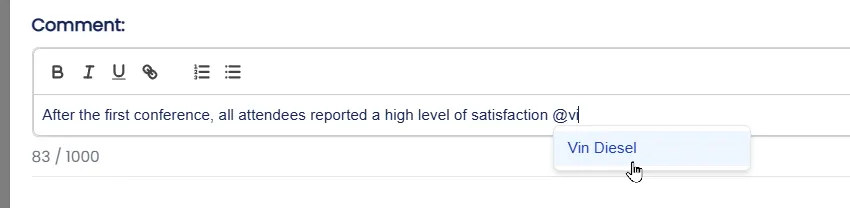
Learn how to create and manage teams within StratSimple, including how to add a new team, assign users, and navigate between the main company dashboard and individual team dashboards. Admin users can also configure team-specific monthly and quarterly reporting.
Read more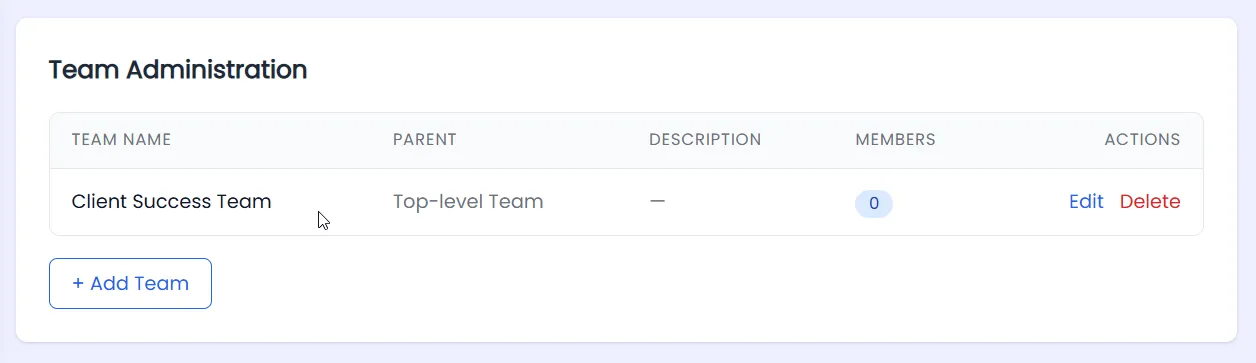
Learn how to configure health and cadence settings within Stratsimple's Org Settings. Admin users can view their health statuses and customize update reminder frequencies to fit their organization's schedule. A default cadence can be set to streamline goal creation. The new cadence is immediately available across the dashboard, and when added to a goal, will trigger email reminders for goal owners at the new interval.
Read more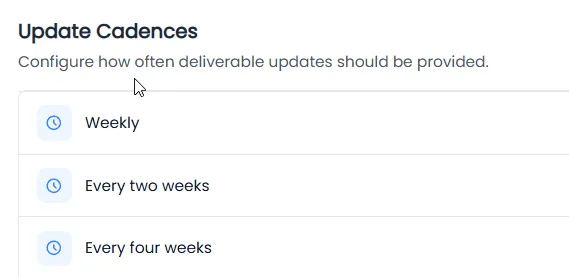
Learn how to configure timeframes in StratSimple, including both annual fiscal year timeframes and fully custom periods. Admin users can add new timeframes with specific start and end dates, and optionally include auto-generated quarterly breakdowns. Once created, timeframes appear directly on the dashboard, to start adding and tracking objectives. The feature supports a wide range, from standard calendar years and fiscal years, to unique reporting windows.
Read more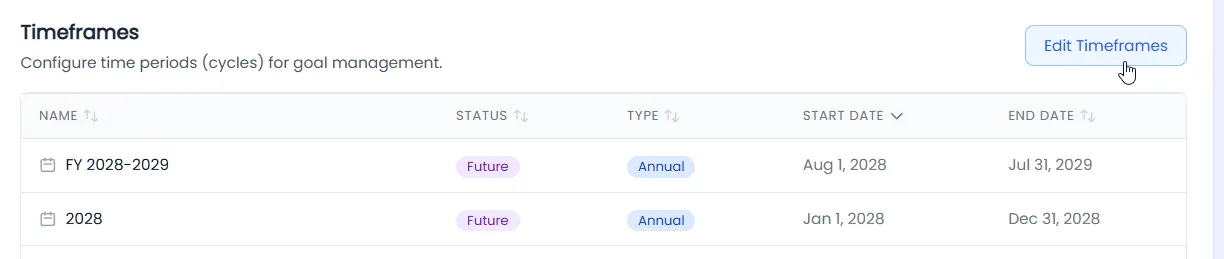
This article covers the monthly email report feature in StratSimple, explaining what the report contains and how to configure it. Once your dashboard is set up and your team is making updates, you can schedule a monthly email report to be delivered on a day of your choosing. The report includes summaries of the team's progress, highlights strong and weak points, and makes suggestions for ways to move forward. Admins can configure recipients, schedules, and even run reports on demand.
Read more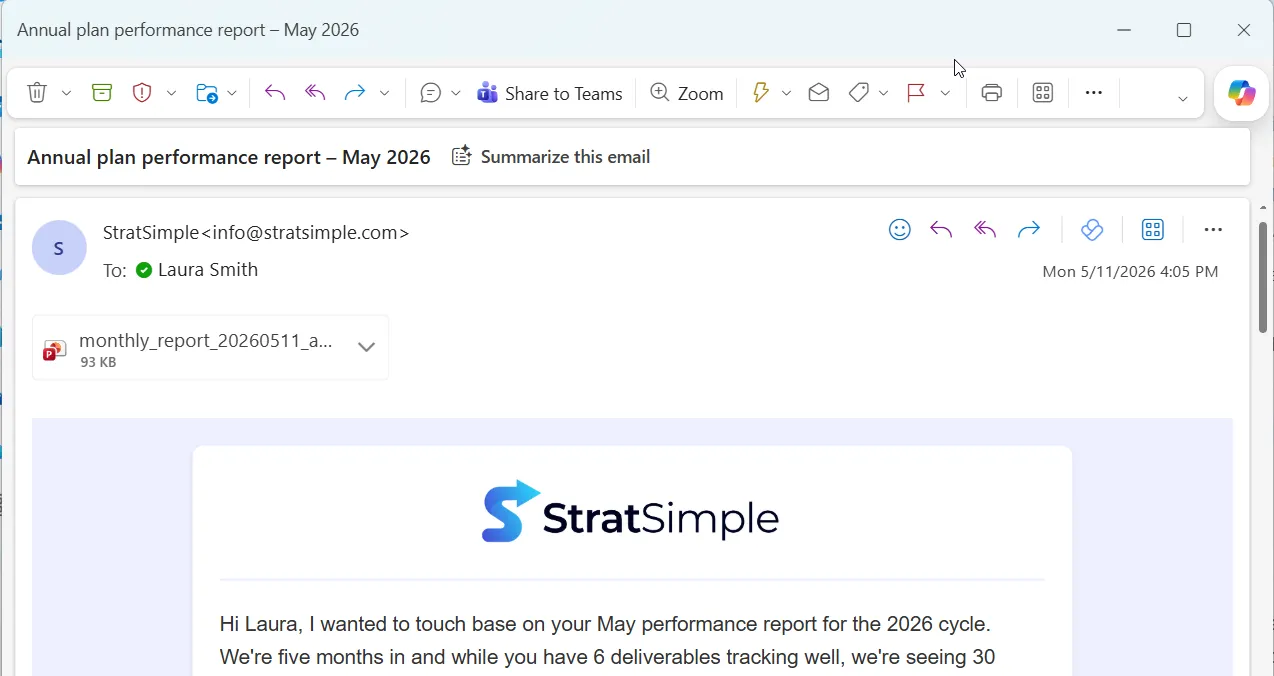
The Quarterly Report is a PowerPoint presentation sent as an email attachment that organizes your team's updates and progress into a format ready to present to the board. Admin users can configure the schedule, choose a layout, assign recipients, and customize which organizational statements appear. The report includes your mission statements, KPI's, summaries, and detailed objectives and key results progress info. All slides are fully editable, allowing you to add, remove, or modify content before presenting.
Read more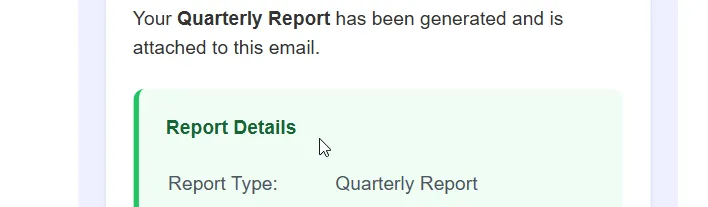
Rather then entering the same survey questions over and over again, the template feature lets you save time and reuse a set of survey questions across multiple surveys or organizations. Create a template from an existing survey, generating new surveys from that template, and sharing templates with your other organizations.
Read more
Learn how to rename the four goal type levels in StratSimple — KPI, Objective, Key Result, and Initiative — to whatever terminology your organization prefers. The changes apply across the entire platform, including dashboards, reporting, and generated presentations.
Read more
Know a non-profit that could benefit from smarter strategy and simpler reporting? Invite them today! When you invite someone, you both save on your plan, and our community of strategic, mission-driven organizations grows stronger!
Read more
Walk through the filter feature on the StratSimple dashboard, learning why it's useful and how to use it. This page covers the different ways to filter — by strategic pillar, health status, owner, and date — as well as options to exclude certain item types or hide completed work.
Read more
Enter backdated KPI updates when past entries were missed. This also covers how to enter KPI updates through your Dashboard.
Read more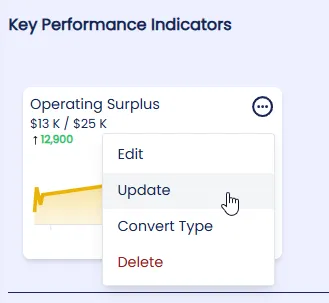
StratSimple now supports custom fields on your dashboard. Track budgets, resources, and any data point alongside your KPI's, objectives, key results, and initiatives — fully configurable in Org Settings. Here's how to use it.
Read more
The Move & Copy feature allows Admin users to transfer objectives, key results, and initiatives from one year to another. There are two options: Quick Copy to copy all items from one year into another, or Manual Move/Copy to move specific objectives, key results, or initiatives. Copying keeps the original plan intact, while moving removes the selected items from the original year and may affect related progress data. For most cases, copying is recommended unless users are certain they want the items and history removed from the original year.
Read more
Learn to use the new Reorganize Mode to move and organize your objectives, key results, and initiatives.
Read more
When a start date is tied to a goal on the dashboard, it suppresses the email notifications until the goal is active.
Read more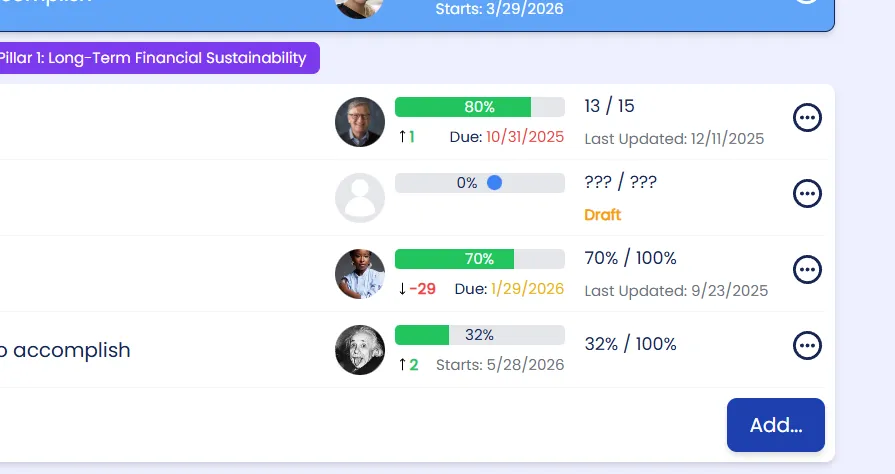
StratSimple now lets you link annual objectives to one or more long-term strategic pillars, with pillar tags shown directly on the dashboard so anyone can immediately see what each objective supports. You can set up pillars, attach them to objectives under Relationships, and filter the dashboard by pillar to highlight alignment, focus areas, and gaps without extra spreadsheets.
Read more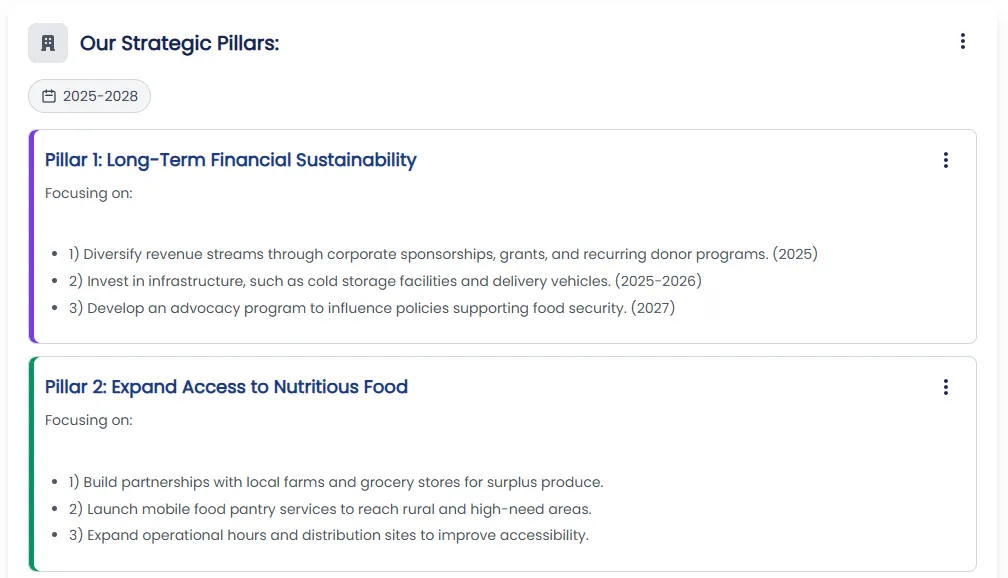
The Organization page is now more visual and easier to scan. Add colors to Strategic Pillars and format text with bold, underline, and bullet points to make plans clearer for clients, consultants, and internal teams.
Read more
No updates in this category yet.