
Product Updates
Color-Coded Strategic Pillars and Rich Text on the Organization Page
What’s new
- The Organization page is now fully color-enabled, so it’s more visually organized and easier to scan.
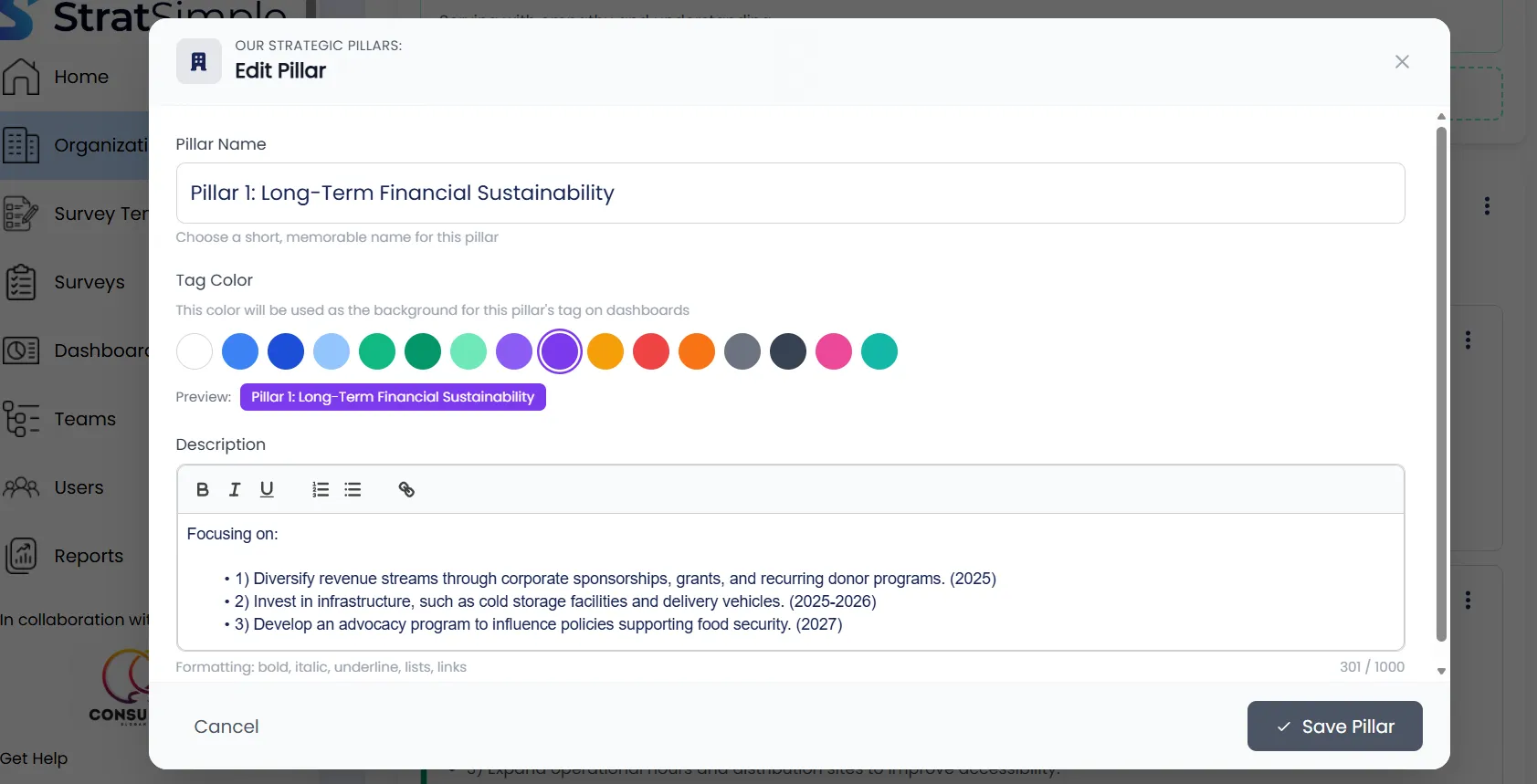
- You can color code your Strategic Pillars.
- Rich text is now supported in text areas (bold, underline, and bullet points).
Why this matters
- Clearer structure at a glance, especially when you’re reviewing a plan with clients or consultants.
- Faster editing and better support for custom elements.
- Cleaner, more readable content for sharing and facilitation.
How to use it
- Go to Organization.
- Select a Strategic Pillar (or section) and choose a color.
- Highlight text to apply bold, underline, or bullets.
Pro tip
Use pillar colors consistently across your plan and reporting so stakeholders can connect themes quickly.
Closing
If you’d like help setting up a clean color system for your pillars let us know, we’re happy to help.